
Cards and team access
Require a card, a team or both before a player can activate an interaction.
Configure the conditions
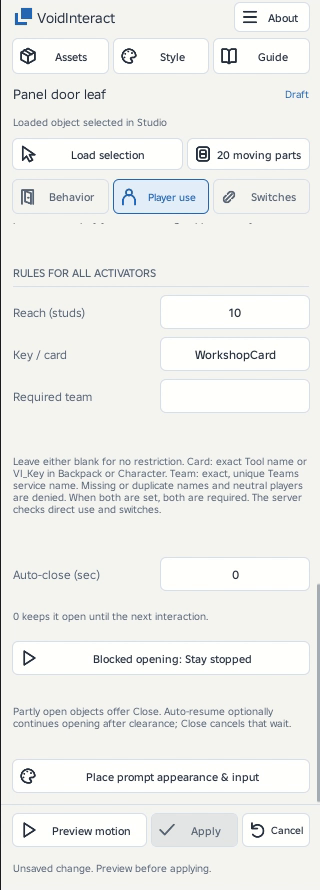
- Load the target and open Player use.
- For a card, enter the exact Tool name in Key / card, or put that value in the Tool's string
VI_Keyattribute. - For a team, enter its exact name from the Teams service in Required team. Matching is case-sensitive. Neutral players do not qualify.
- Leave a field blank to omit that condition. When both are configured, the player needs both the team and the card.
- Preview and Apply, then test direct interaction and each linked switch in Play.
Server checks
A player must belong to the exact required team and possess the required card in their Backpack or character. A card on the ground does not count. Distance, line of sight and other activation conditions still apply.
If you rename a team, update Required team. To keep a card valid when its display name changes, give its Tool a matching VI_Key string attribute. Using the card does not consume it.
Cards in your game
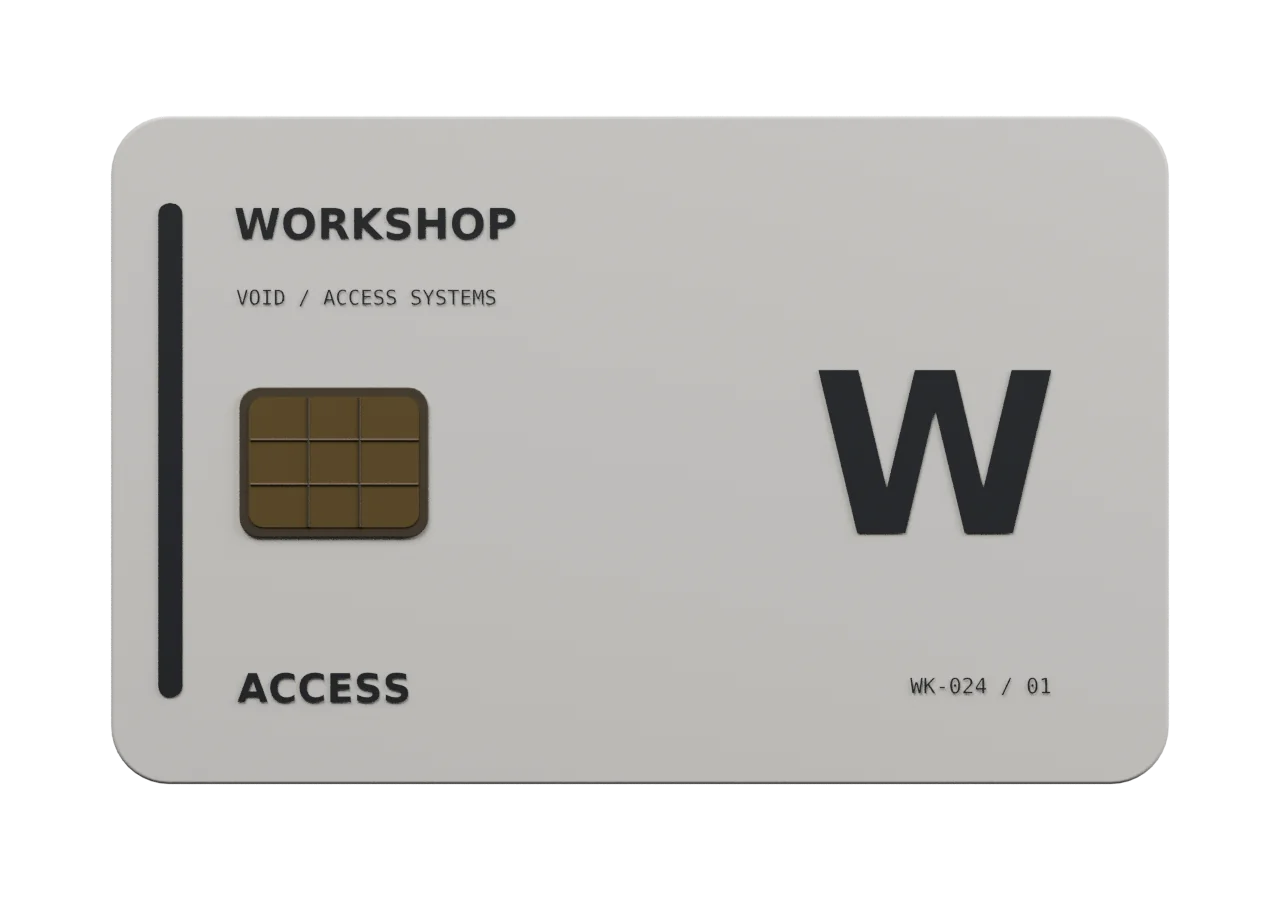
The server checks for the required Tool in the player Backpack or character. The player does not have to equip it. Set the Key / card value to the exact Tool name, such as WorkshopCard. A linked reader uses its target mechanism’s access rule.
Use a Tool you create as the key. Your server inventory or reward logic decides who receives it. Clear Key / card when access should be unrestricted.
Not an inventory system
The plugin does not issue, sell, consume or persist keys, assign teams, implement rank hierarchies or grant rewards. A designed Tool and a decorative card reader are assets you supply. Their appearance does not grant access.
Asset image gallery
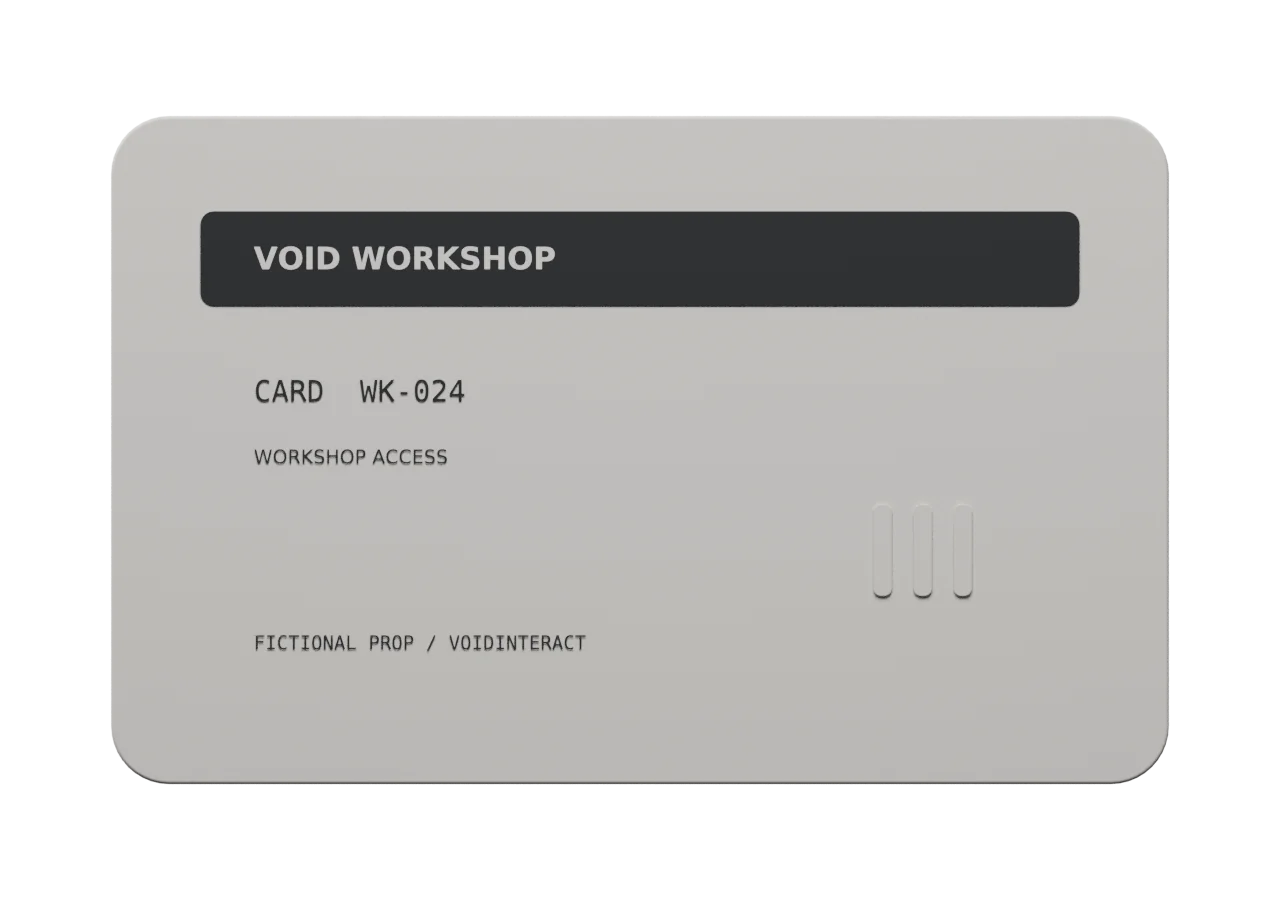
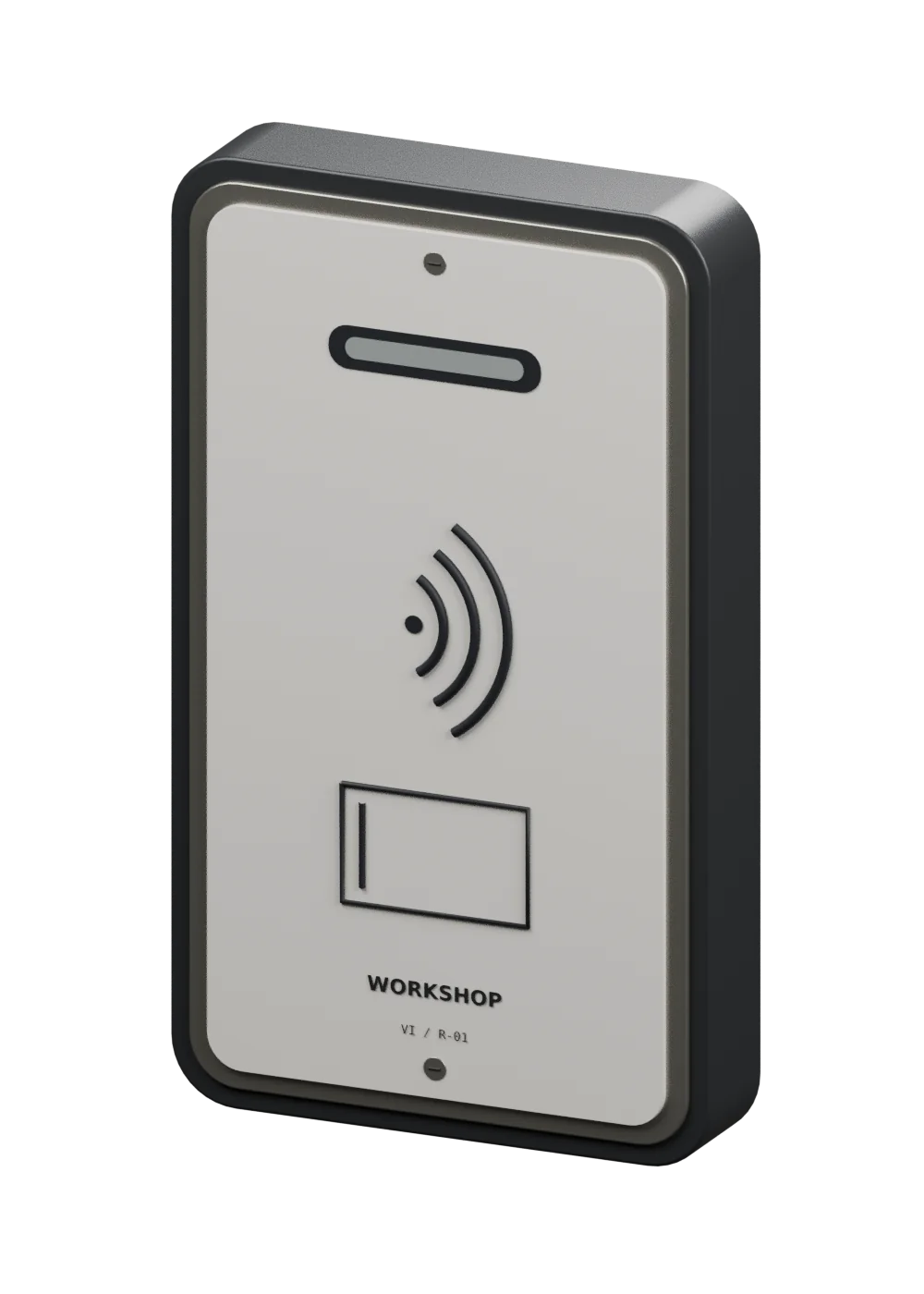
Model previews showing the parts and details.
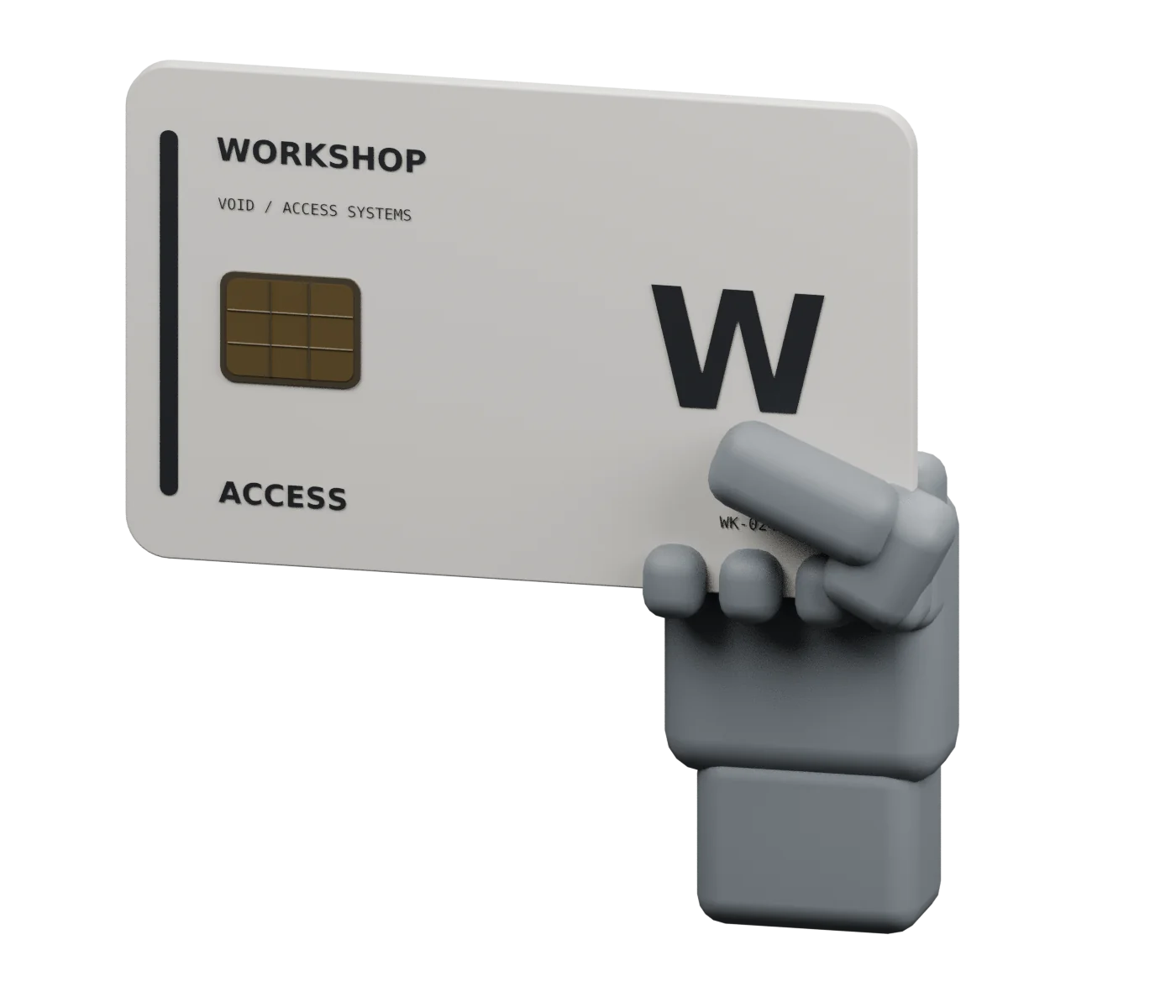
A card-only practice door
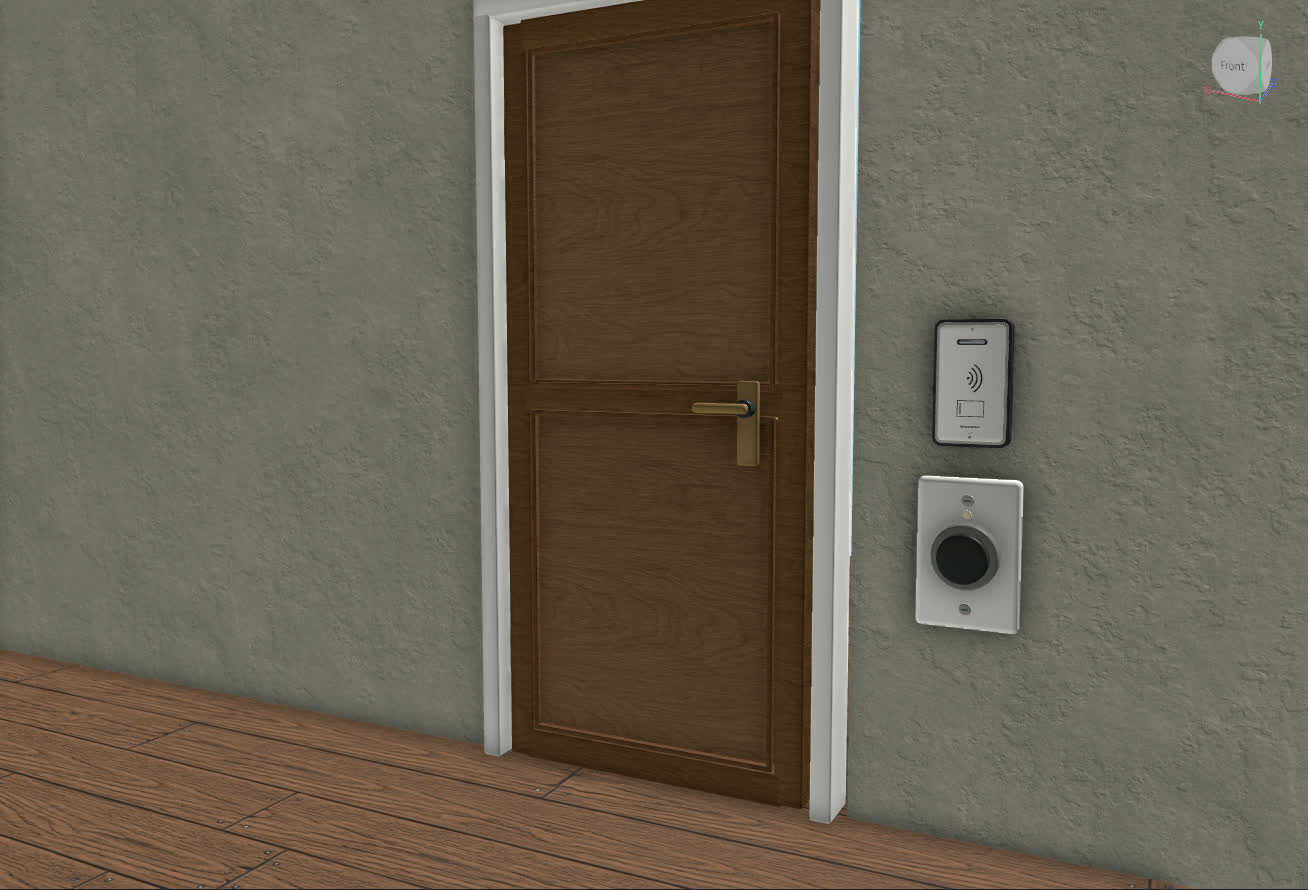
The reader uses the target’s Key / card rule. Possession in Backpack or character is sufficient. Equipping is optional.