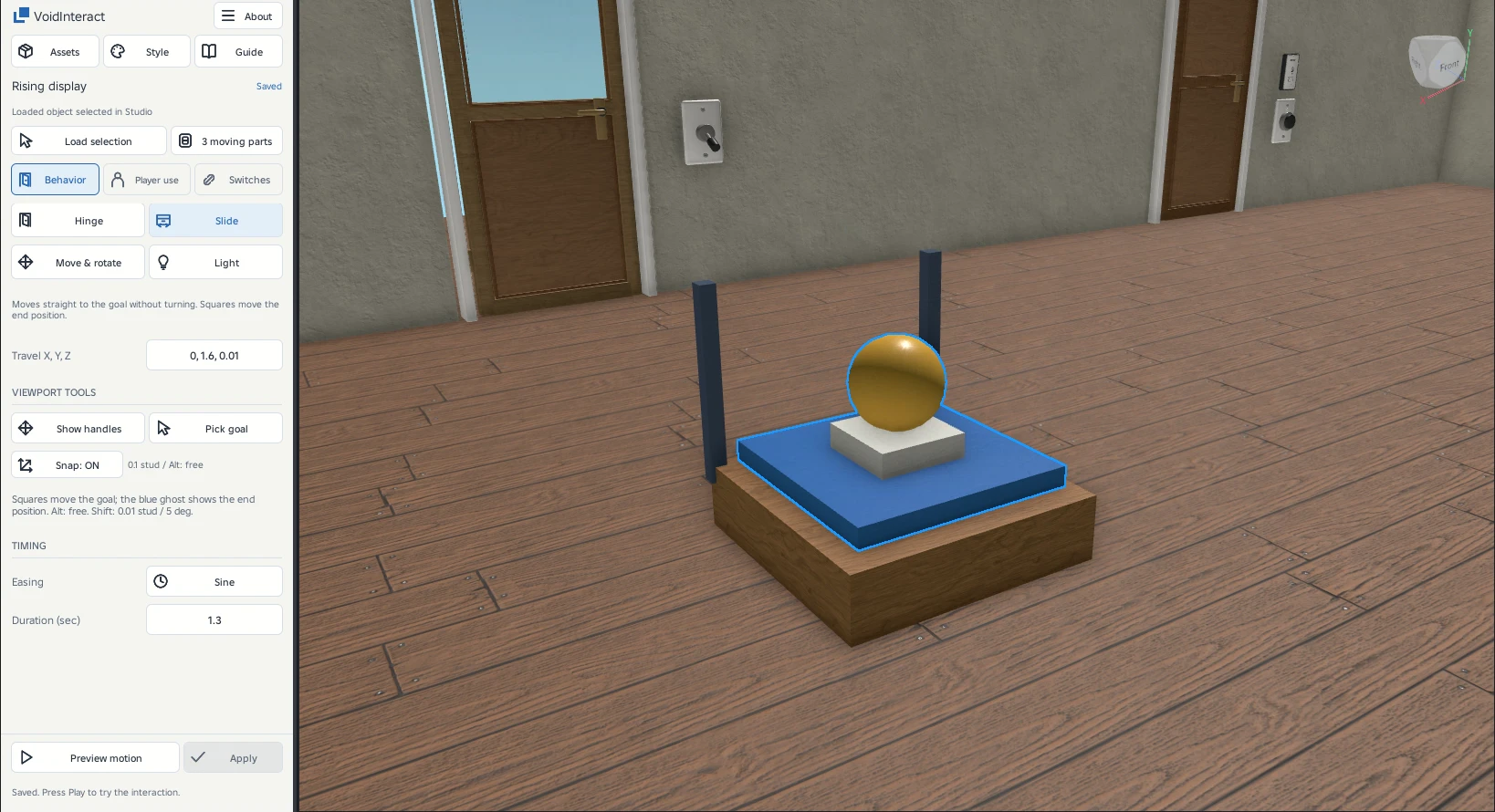
Slide motion
Move the open goal directly and inspect the offset from the original pivot.
Drag the open goal
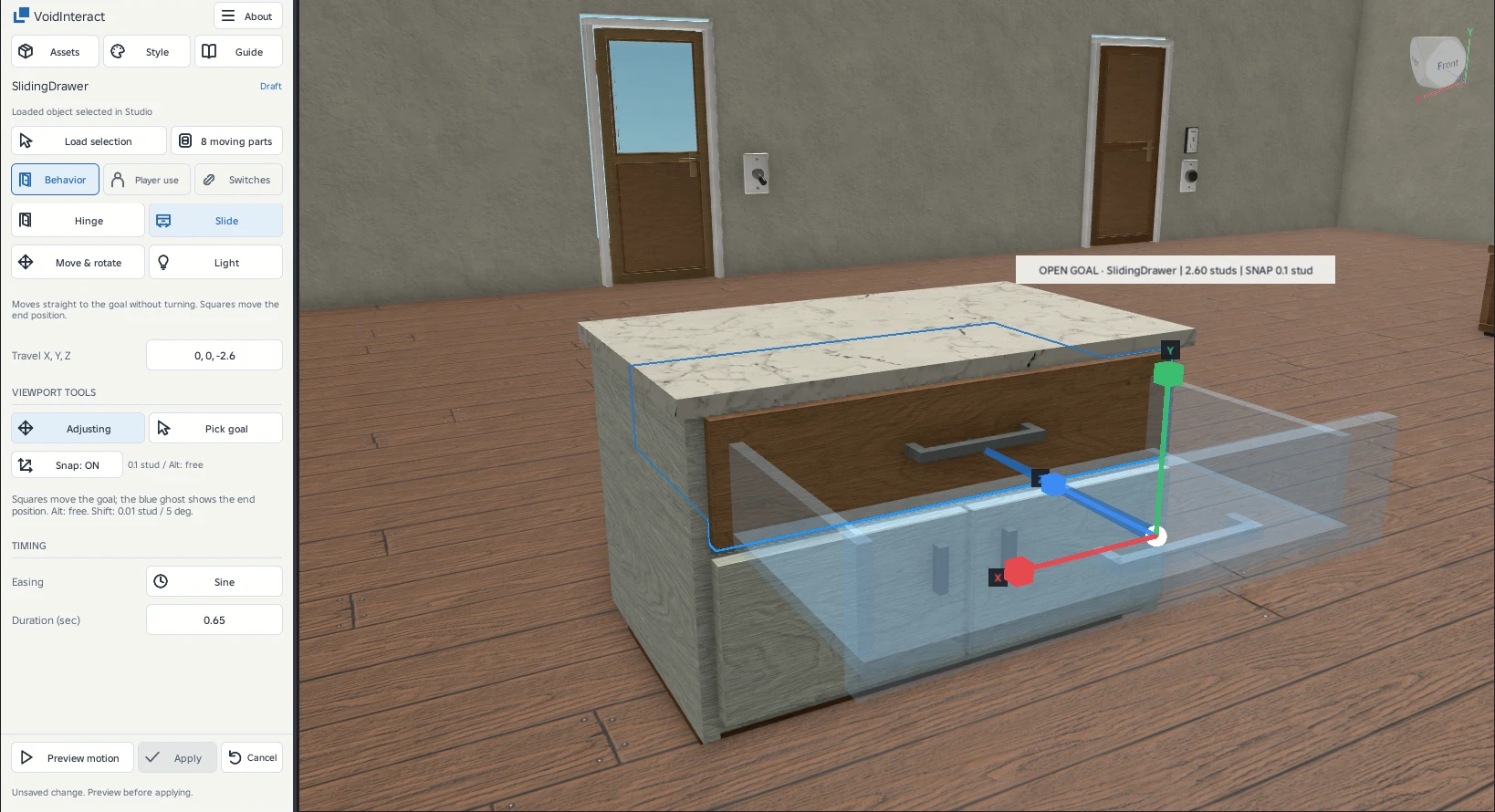
On Motion, choose Slide and click Edit. Arrows appear at the open goal, with a line to the closed pivot. Drag along the desired local axis. The ghost shows where every moving member will end.
Optional exact offset
Use Travel X, Y, Z for an exact local offset. The practice drawer uses 0, 0, -2.35 studs. The maximum vector length is 100 studs. Pick goal places the assembly pivot at the chosen point. It does not align an arbitrary face.
Avoid moving the frame
Only the moving tray, front and handle belong in the selected Model. Keep the cabinet carcass outside it. The plugin does not create openings, resize furniture or split combined meshes.
Compare drawer movement
A sliding gate
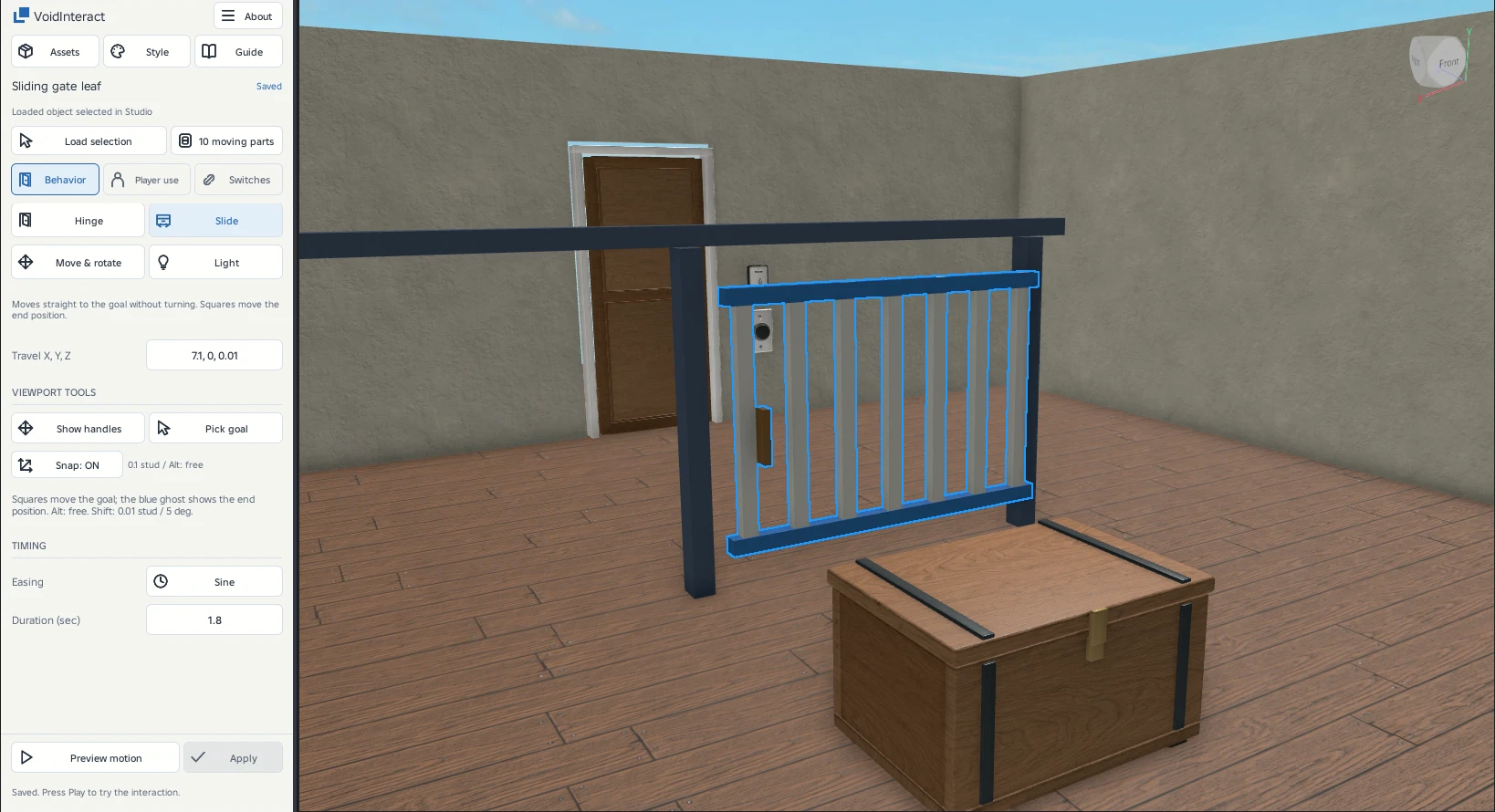
A rising display