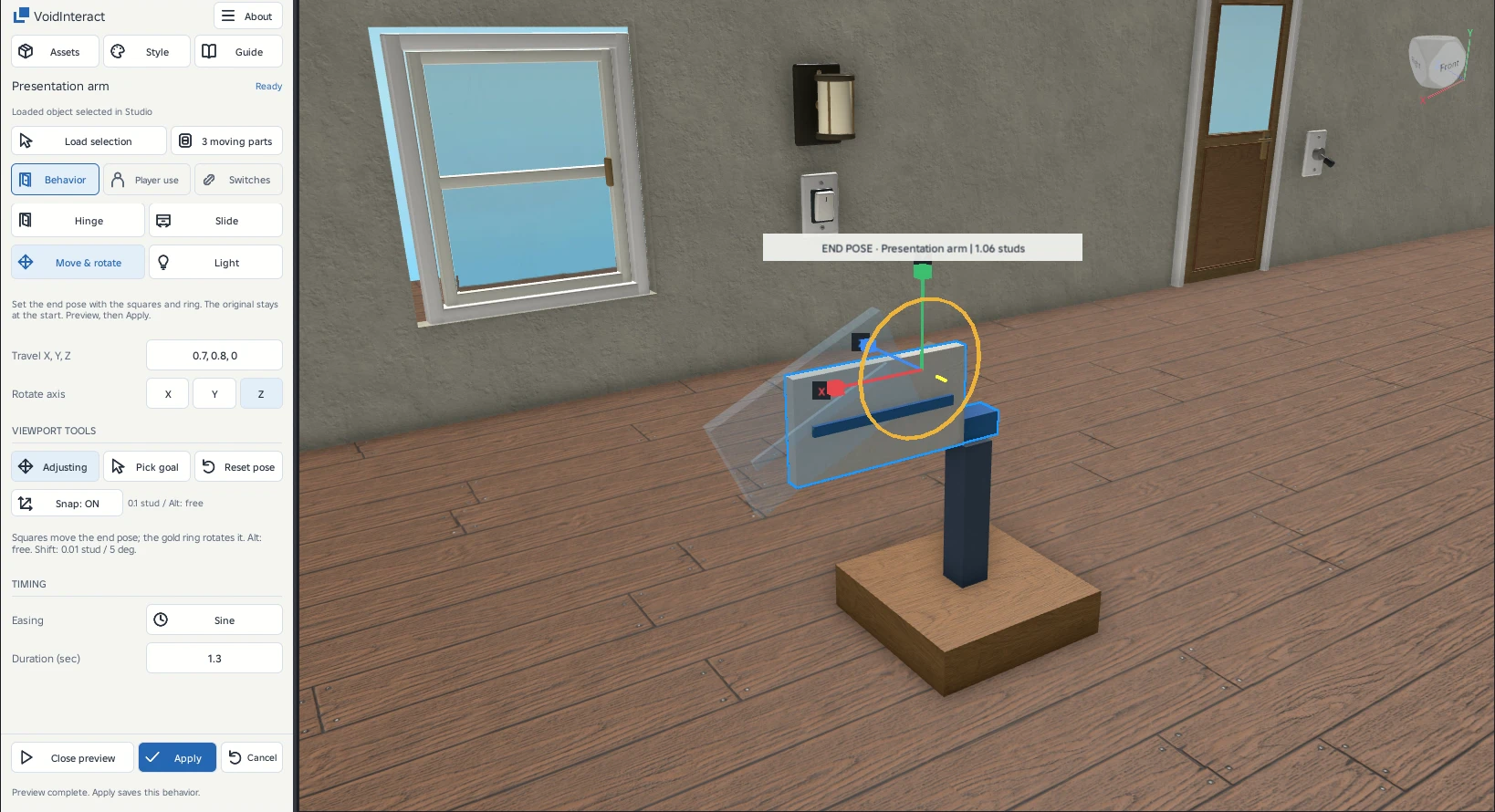
Move and rotate a prop
Set a start and end pose directly in the viewport. Use this for props that travel and turn together.
See the end pose
One start, one end
The original object is the start pose. The blue ghost is the end pose. This is a two-pose motion, not a multi-point animation timeline.
Set the end pose
- Select the prop and Load selectionChoose Behavior → Move & rotate. The end pose initially matches the original.
- Drag the square handlesMove the ghost toward its destination. These handles move the end pose, rather than a hinge point.
- Choose X, Y or Z and drag the ringTurn the end pose around that axis. Hold Shift for 5-degree steps.
- Preview motion, then ApplyReview the complete combined path. Original geometry stays at the start while authoring.
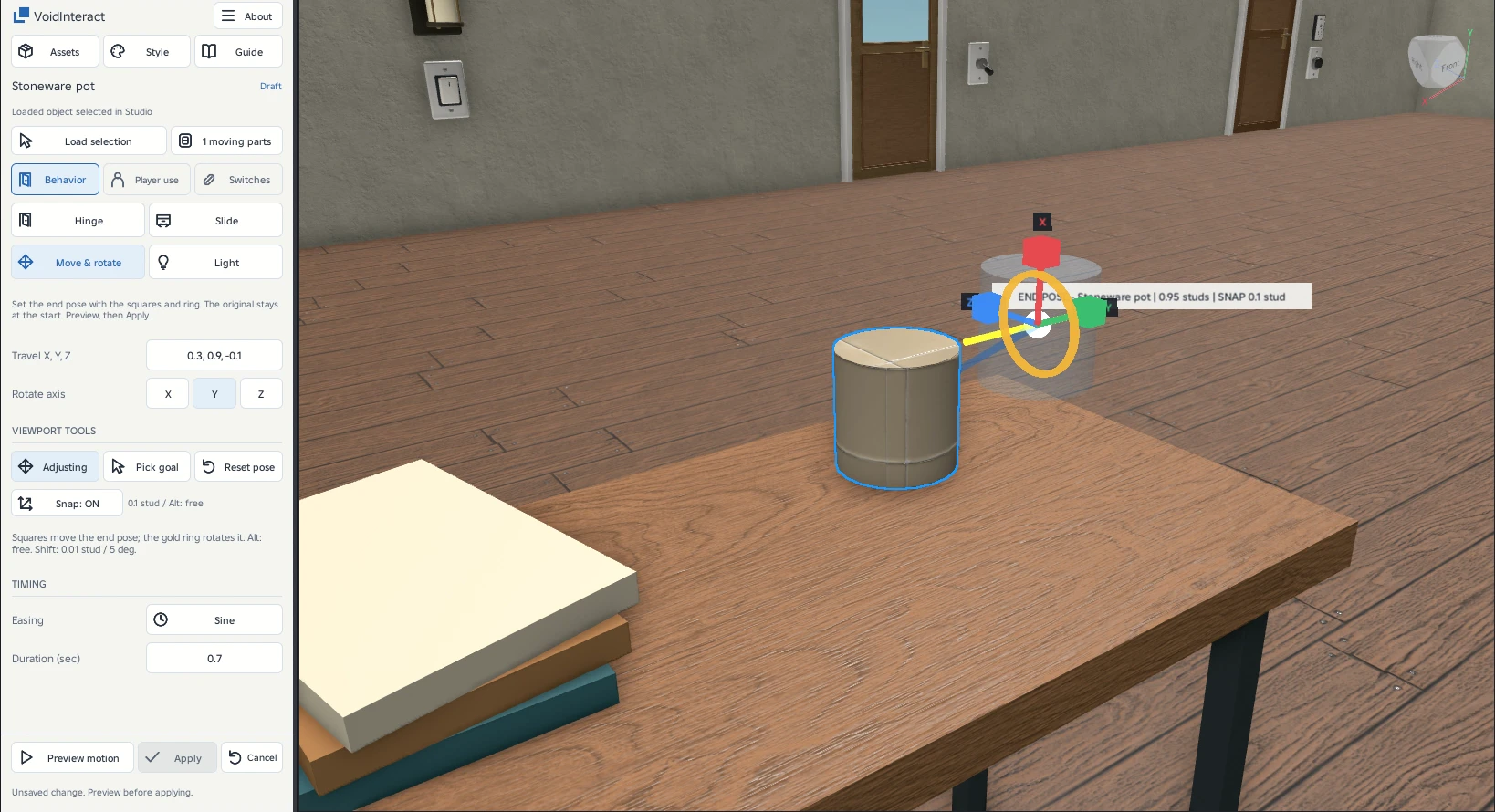
Controls
| Control | What it changes |
|---|---|
| Travel X, Y, Z | Optional exact displacement in the original object’s local coordinates. Dragging handles updates it. |
| Rotate axis | Selects which local axis the ring rotates around. Different axes can be combined. |
| Pick goal | Places the end pivot at a clicked surface point. Preview for contact or overlap before applying. |
| Reset pose | Restores the end to the original position and orientation. |
| Duration and easing | Control the time and interpolation between the poses. |
| Player use | Controls direct activation, holds, sounds, reach and access just as for a door. |
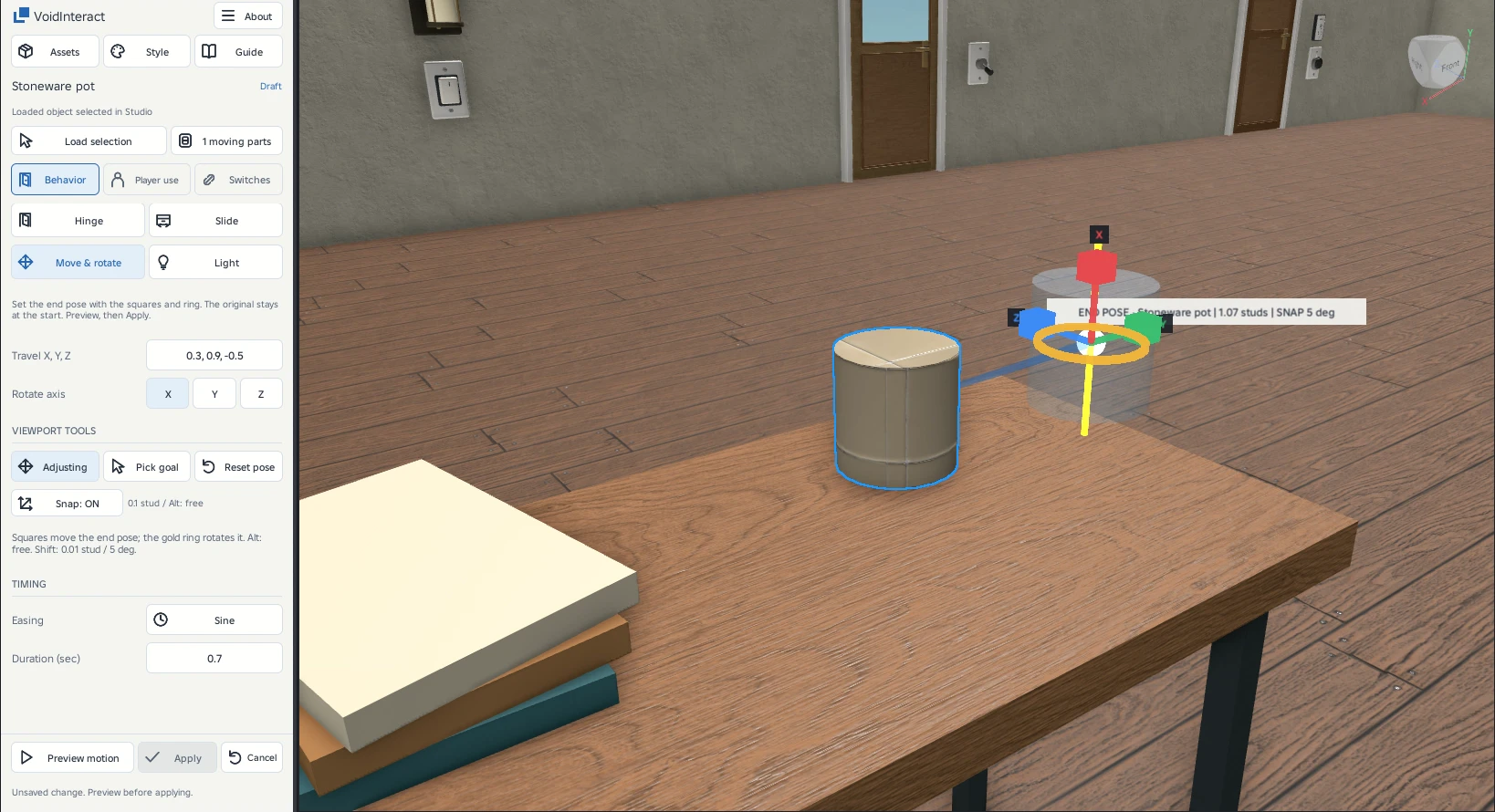
Test the return trip
The player toggles between the start and end. A stopped partial movement can return without first completing the outward trip. Both translation and rotation use obstruction checks. Keep the entire path clear and test the actual player interaction before shipping.
Precise or free movement
| Control | Movement | Rotation |
|---|---|---|
| Snap On | 0.1 stud steps | 1° steps |
| Hold Shift | 0.01 stud steps | 5° steps |
| Hold Alt or turn Snap Off | Free | Free |
Alt takes priority over Shift. These controls also apply to Hinge and Slide. Hinges and interaction points can additionally snap near a bounds edge or center. Axis letters stay visible so color is not the only cue.
A presentation arm